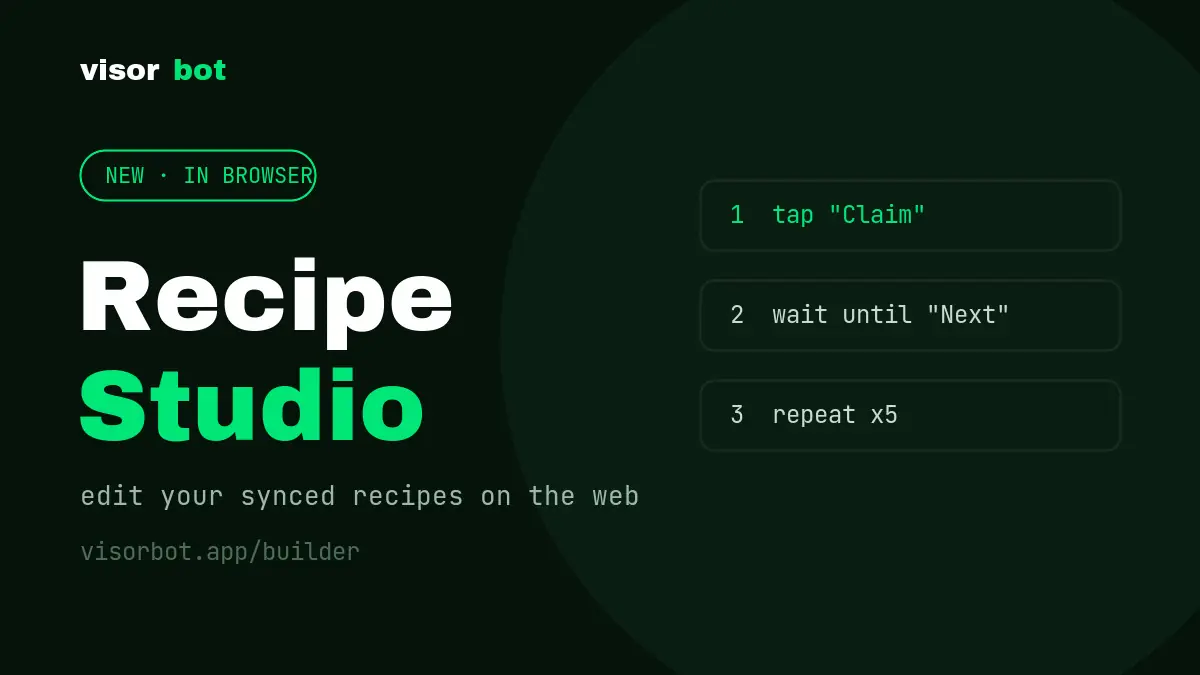
Some of you found it already: visorbot.app/builder is the Recipe Studio: the recipes on your phone, opened on a screen with a keyboard. It’s been quietly live for a while; time to give it a proper introduction.
Why a web editor
Phones are where recipes run, since only the phone has the game, the screen and the OCR. But phones are a cramped place to think. Renaming steps, reordering a loop, rewriting a wait condition, comparing what changed: all of that is faster with a mouse and a real keyboard. So the studio splits the work the natural way: draft and restructure on the web, run and verify on the phone.
What you can do
Your library, synced. Every recipe your phone has backed up is in the left rail. Search it, open one, or start a new draft from a description.
Edit every step for real. The editor knows the actual recipe vocabulary:
the same step definitions the app and the AI are built from. Every parameter a
step supports is right there with its real type: choices become dropdowns,
numbers get range checks, flags become checkboxes. Add, duplicate, drag to
reorder, edit the children inside a repeat or an if seen. If something
isn’t valid, Save tells you exactly which step and field to fix before it
ever reaches your phone.
See what the bot sees. Image steps show the actual captured pictures the bot matches against, and image fields pick from the templates the recipe really has, so no more referencing a picture that doesn’t exist.
AI edits you can veto. Ask the built-in assistant to change something, like “add a popup guard after step 3”, “make the claim loop stop when the button disappears”, and the change arrives as a proposal with the touched steps highlighted. Apply it or discard it; nothing rewrites your recipe silently.
Nothing gets clobbered. The studio and your phone each declare which version they started from, so two edits can’t silently overwrite each other. If your device improved a recipe mid-run, the studio finds out instead of pasting over it.
Getting in
The studio works on cloud-synced recipes, so it needs a VisorBot account with Pro and cloud backup switched on in the app. Sign in at visorbot.app/builder with the same Google account or email you use in the app, and your backed-up recipes are just there. When you save, pull the update from the Recipes screen on your phone and run it.
New to building recipes? Start with the guides: build one by hand or let the AI build it.