v1.0 · ANDROID · AI

Powerful AI automation
for your Android_

VisorBot automates taps and swipes in any app or game, finding each button with on-device text and image recognition. Your recipes keep working on any screen size or phone.

RUNS ON Android 11+PhonesTabletsHandhelds
100% on-device automation0 telemetry or trackersoffline core loop, no account
READY VisorBot home — picking a job for the AI
// STEP TYPES

Logic blocks for any workflow

The app's actual "Add a step" sheet — every recipe is built from these blocks. Tap by coordinate, read the screen with OCR, match images, wait for the game to catch up, and guard against surprise popups.

SEE & TAP
Tap here exact coordinate
Tap text pick or type the text
Tap image draw a box around it
Just click no step recorded
READ & WAIT
Wait until continue when a text appears
Wait for image continue when a picture appears
Wait pause between steps
Type text into the field you tapped
GUARD & FLOW
Step guard auto-dismiss — box the ✕
Scroll page a list up / down / left / right
Launch app start the game directly
// HOW IT WORKS

Record · Build · Chain · Run

Record

Just play the task once — every tap, swipe and pause is captured.

● REC 00:04

Build

Assemble steps by hand — each one self-tests on the live game as you add it.

⠿ 01 · tap here ⠿ 02 · wait until "✓" ⠿ 03 · loop ×5

Build AI

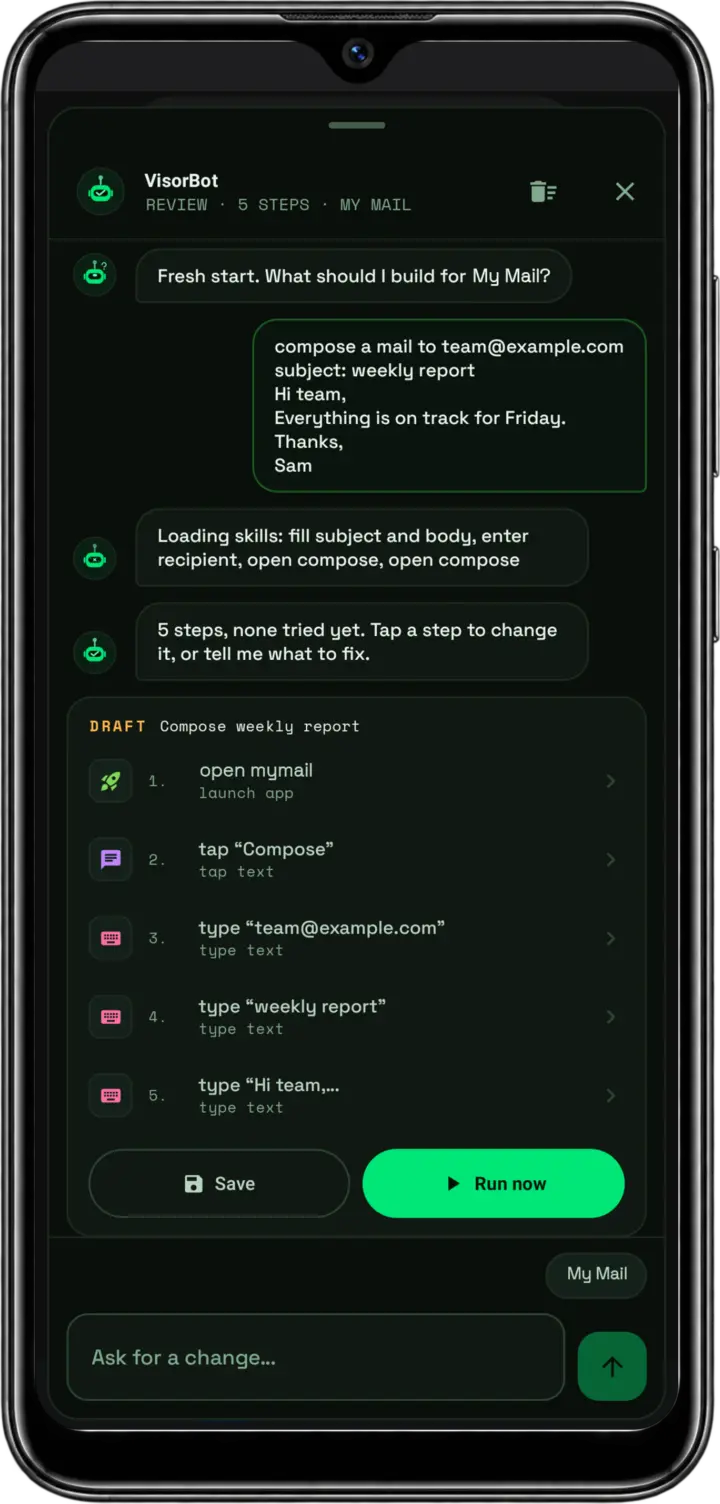
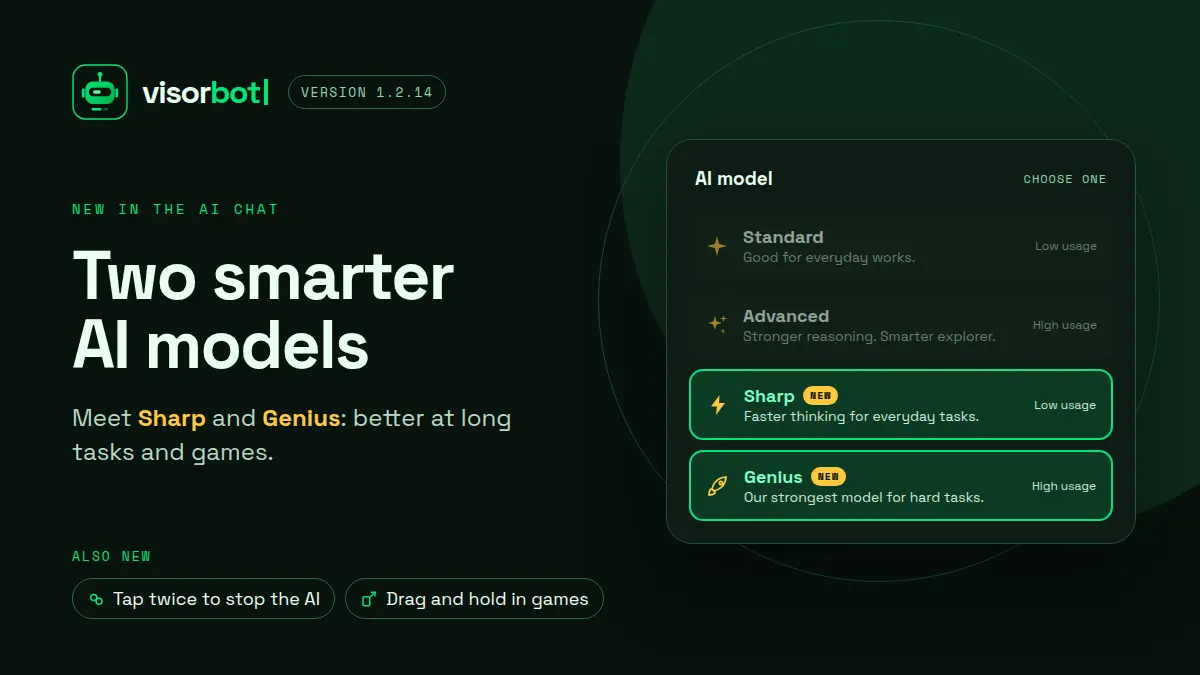
Describe the goal — the agent drafts the recipe itself. PRO

"clear my dailies" tap "Claim" wait ✓ ✓ recipe ready — running

Chain

Link recipes on a visual board — they run back-to-back as one. PRO

1. login 2. claim 3. battle ▶ runs as one

Run

Fire it off from the overlay — live progress in the bot bubble, cancel any time.

6/6 ✓
// FEATURES

Built to survive real games

Finds buttons the way you do

It reads the words on your screen and recognizes what buttons look like — so it taps "Claim" wherever it is, instead of blindly poking the same spot.

Works on any screen

Build a recipe once and it runs on your phone, your tablet, your next phone. Every tap adjusts to the screen size on its own.

Handles the "sometimes" stuff

Popups that only show up now and then, buttons that blink in and out, loading screens that take their time — mark a step "if you see it" or "optional" and the bot rolls with it.

Floats over your game

A small draggable bubble sits on top of the live game so you can build, record and run without ever leaving play.

One fix, fixed forever

If a run trips up, tap "🔧 Fix here" on the screenshot it shows you — close the popup, point at the right button, draw a box around it. Do it once and the recipe remembers.

Everything stays on your phone

No account, no tracking, no data sent anywhere. Your recipes are files on your device, and the bot works fully offline.

AI AGENT · FREE TO TRY

Describe the goal.
The agent builds the recipe.

Type what you want in plain English. Build AI assembles the taps, waits and loops — self-testing each step live — and when a run breaks, AI fix proposes the repair over the failure screenshot.

Build recipes from a sentence
AI fix proposes repairs when a run fails
Every generated step self-tests on the live game
agent.recipe
> goal
"collect my daily rewards"
GENERATED STEPS
01 open GachaQuest
02 tap "Daily" menu
03 tap "Claim All"
04 wait for ✓ toast
05 repeat until empty
// PRICING

Every feature is free. Pro raises the ceiling.

FREE
$0forever
Every action — text taps, image taps, conditions, loops & chains
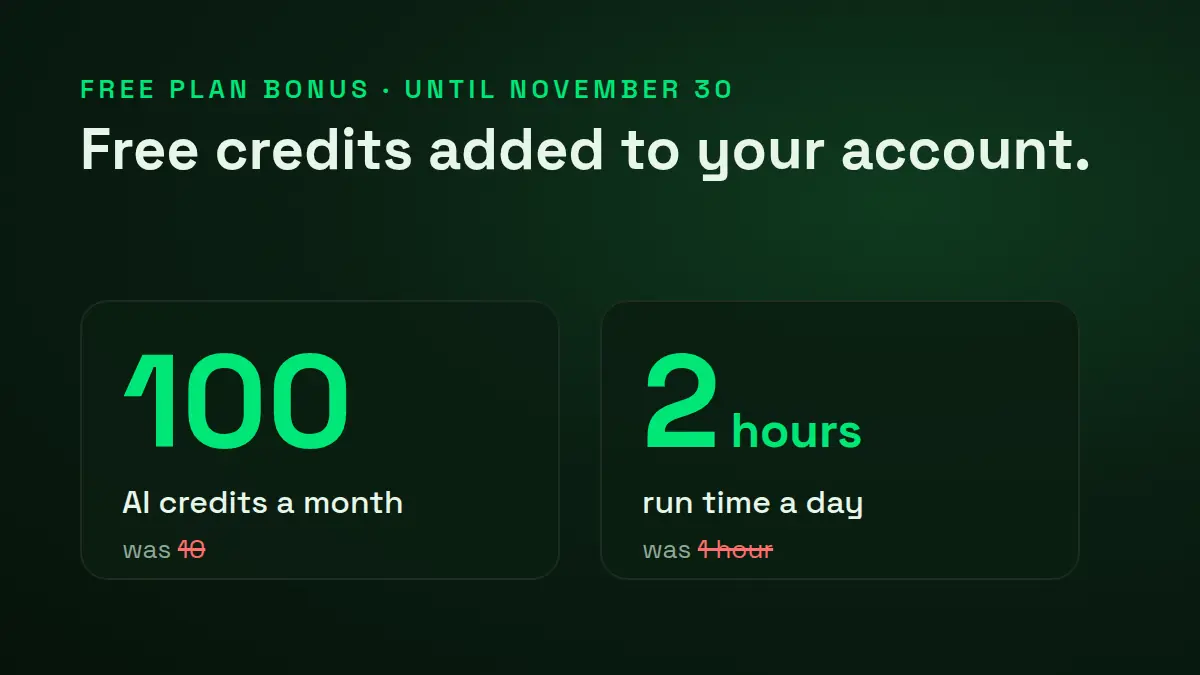
✨ Build AI & AI fix — 10 credits a month
Up to 1 h 40 m of automation a day
Keep 10 recipes on your device
Runs offline up to 3 days between check-ins
Download free
MOST POPULAR
PRO
$10/ month
Everything in Free, with the limits lifted
All-day automation — 10× Free's daily runtime
✨ 100 AI credits a month — 10× Free's
Keep 30 recipes
Cloud backup — recipes synced to your next phone
Go Pro
// NEWS

What's new

All news →
// PERMISSIONS

What VisorBot asks for — and why

Accessibility access is powerful, so here is the full list up front. A guided setup wizard in the app walks you through each one with a plain-language explanation.

Accessibility

REQUIRED

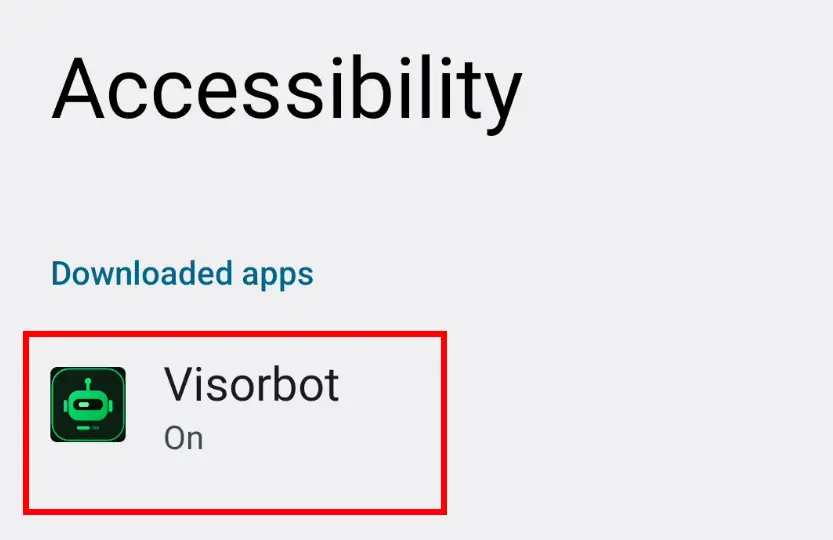
This is the entire product: it's how VisorBot performs taps and swipes, reads the text on your screen, and takes the screenshots your recipes match against. Nothing runs without it.

Android Settings screen showing the Accessibility permission granted to Visorbot

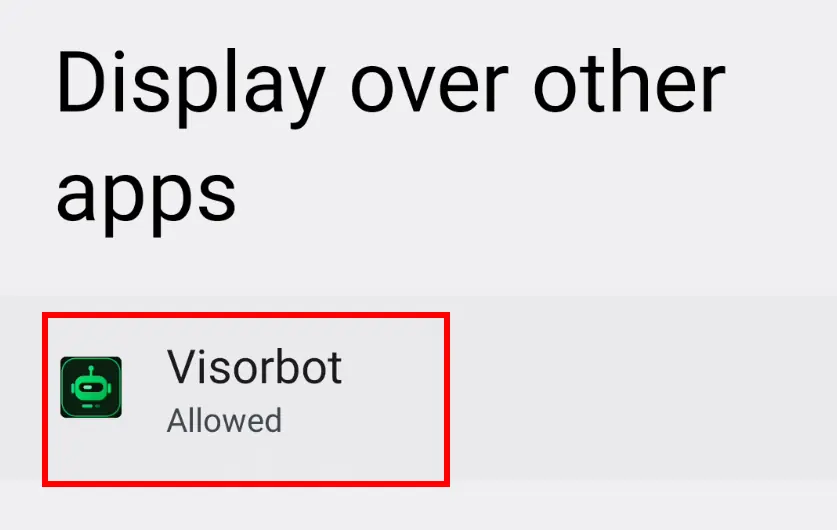
Display over other apps

REQUIRED

Powers the floating bot bubble that sits on top of your game so you can build, record and run without leaving play.

Android Settings screen showing the Display over other apps permission granted to Visorbot

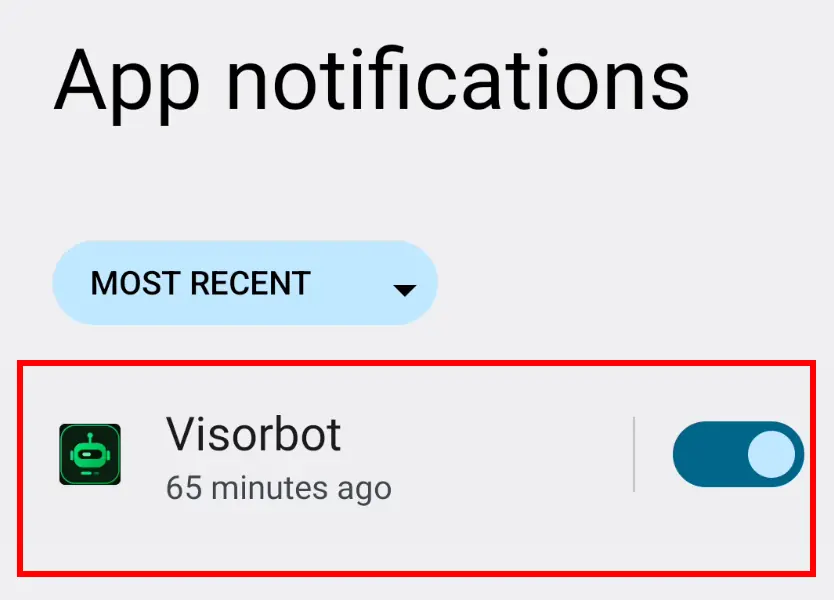
Notifications

RECOMMENDED

On Android 13+ this enables the Show/Hide bubble controls and run-result alerts, including "Teach the fix" prompts when a run fails.

Android Settings screen showing the Notifications permission granted to Visorbot

Install unknown apps

OPTIONAL

Lets the built-in updater hand new releases to Android's installer, since sideloaded apps have no Play Store. You still confirm every install yourself.

ANDROID 13+

On Android 13 and newer, sideloaded apps get their Accessibility toggle locked behind a "Restricted setting" dialog. That's Android being careful, not a bug — unlock it via Settings ▸ Apps ▸ Visorbot ▸ ⋮ ▸ "Allow restricted settings", then enable Accessibility. The in-app setup screen shows this path too.

Everything the accessibility service sees stays on your phone. The core record/build/run loop makes zero network calls — internet is only used if you sign in for account and AI features — and there is no telemetry.

// FAQ

Questions, answered

No. VisorBot runs entirely through Android's Accessibility APIs — taps, swipes, screen reading and screenshots all go through the accessibility service. No root, no unlocked bootloader, no custom ROM. You grant two permissions in a guided setup: Accessibility and display-over-other-apps.

Sometimes UI moves. Because steps match by text and image rather than raw pixels, small changes usually survive. When a run does fail, "Teach the fix" opens over the failure screenshot so you can patch just that step — or let AI fix propose the repair for you.

Automation may violate some games' ToS, and bans are your risk. VisorBot is a general-purpose automation tool — use it responsibly and at your own discretion. We don't target or endorse any specific title, and we make no "undetectable" claims.

Download VisorBot

Grab the APK and build your first automation in minutes. Free to start — no account, no root, works offline.

Download APK v1.0 · Android 11+ · no root

Android will ask you to allow installs from your browser — that's normal for an app distributed outside a store. The getting-started guide walks through it.