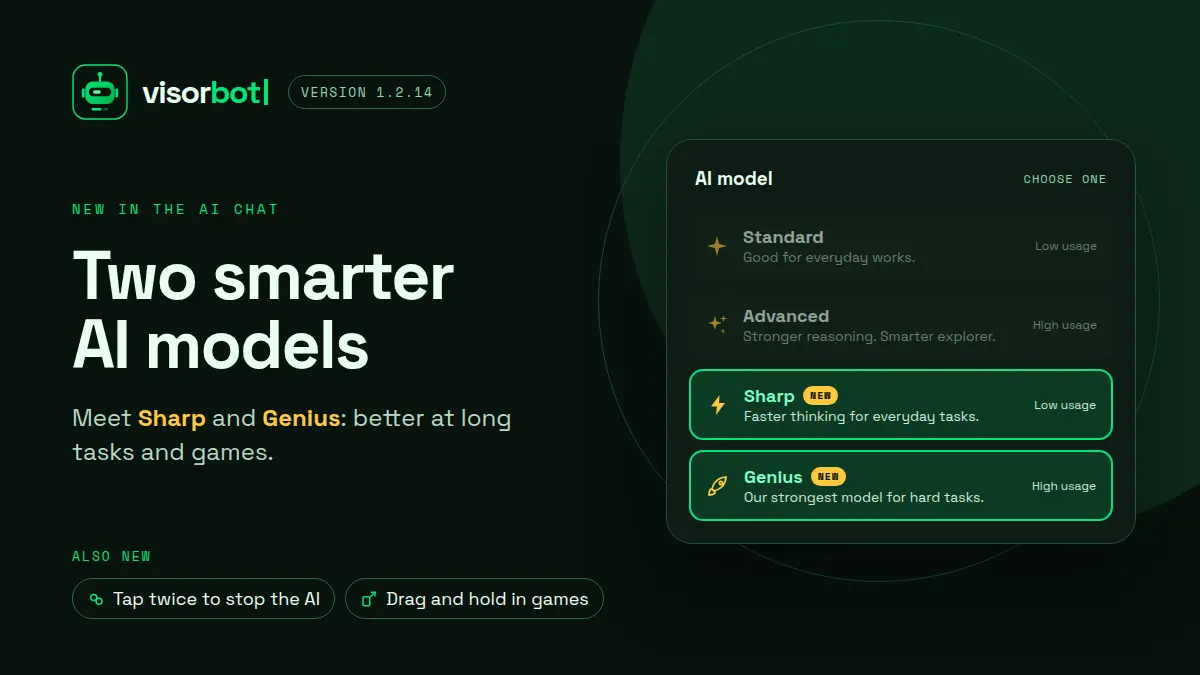
VisorBot 1.2.14 is out, and it brings two new AI models to pick from. Update from Google Play to get it.
Meet Sharp and Genius
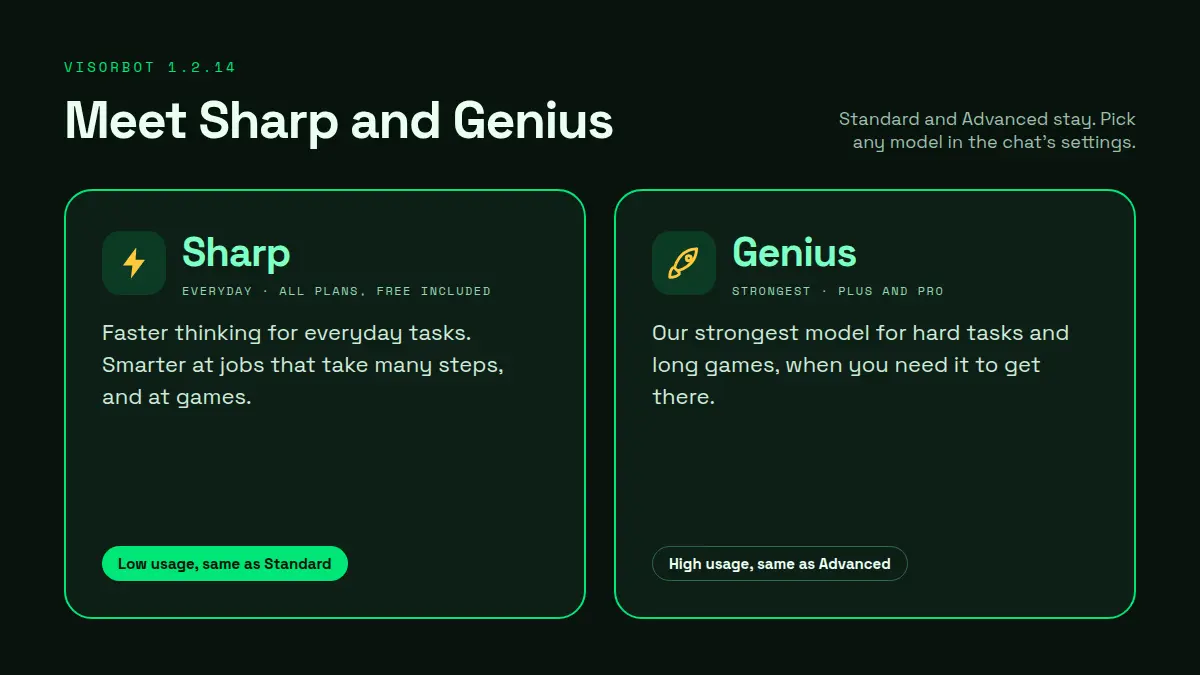
- Sharp ⚡ is our new everyday model. It is smarter at tasks that take many steps, and at games, and it uses credits at the same low rate as Standard. Sharp is on every plan, Free included.
- Genius 🚀 is our strongest model, for hard tasks and long games. It is on Plus and Pro and uses credits like Advanced.
In our own tests, the new models finished card games and puzzle games that the older ones gave up on halfway.
Standard and Advanced are still here. To switch, open the AI chat, tap the settings button next to the message box, and pick a model under AI model. The line above the box always shows which one you are using.
Stop the AI any time
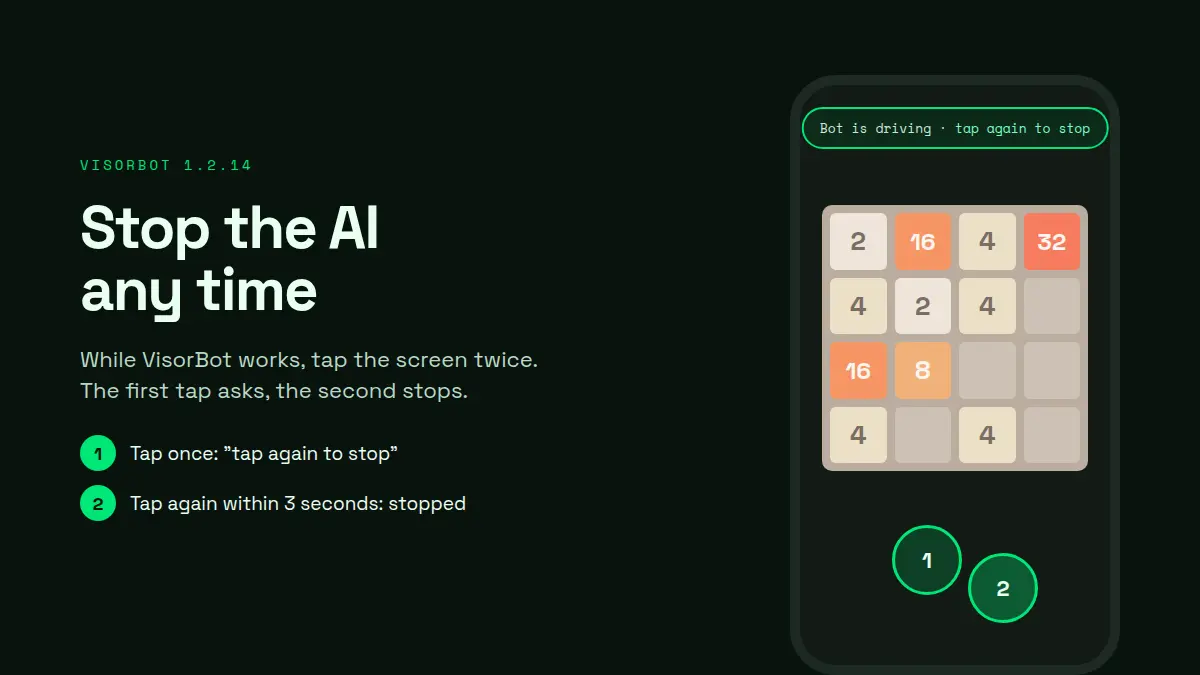
While the AI works, the screen is its own, so a stray tap does not get in its way. Now there is a way out: tap the screen twice. The first tap shows “Bot is driving · tap again to stop”, and the second stops the task. Every task starts with a short “Tap twice to stop” hint at the top of the screen.
Drag and hold in games
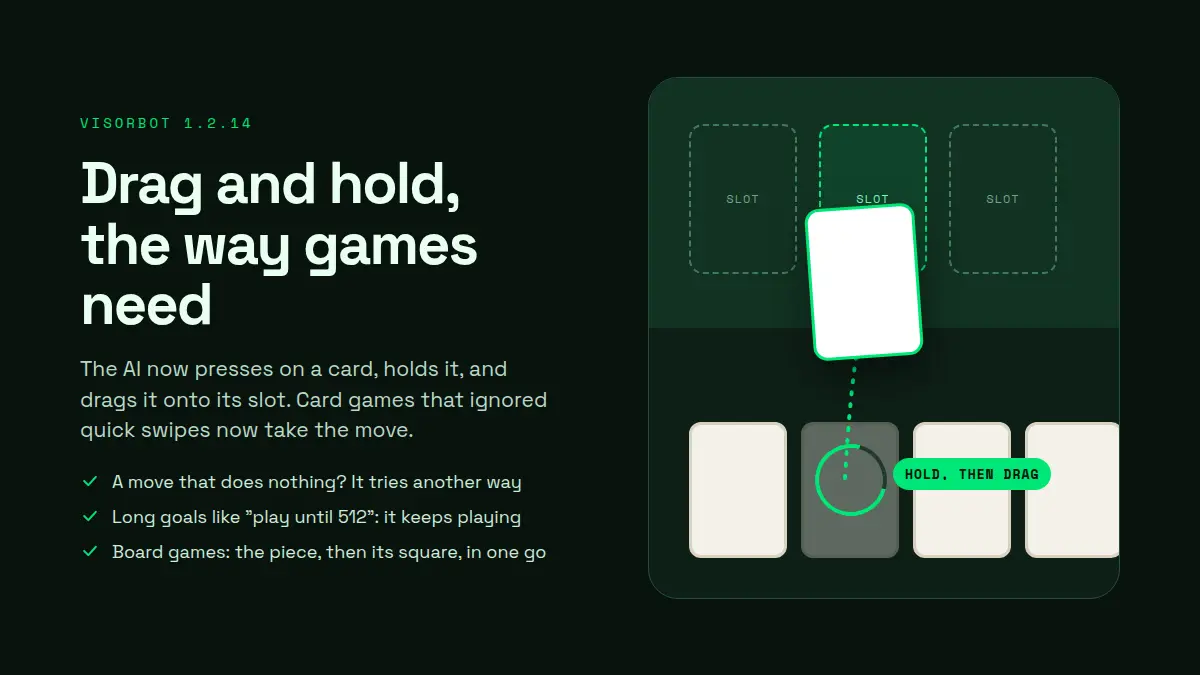
The AI can now press on a card, hold it, and drag it onto its slot, the way card games need. Games that ignored quick swipes now take the move.
- Drags and swipes land and hold the way games expect.
- When a move does nothing, the AI tries another way instead of repeating it.
- On a long goal such as “play until 512”, it keeps playing instead of stopping to ask.
- A board-game move, the piece and then its square, goes in one step.
One more thing
The note you agree to before using the AI now names the AI providers we work with. You will see it once after the update. What we send and what we keep has not changed: see our privacy policy.