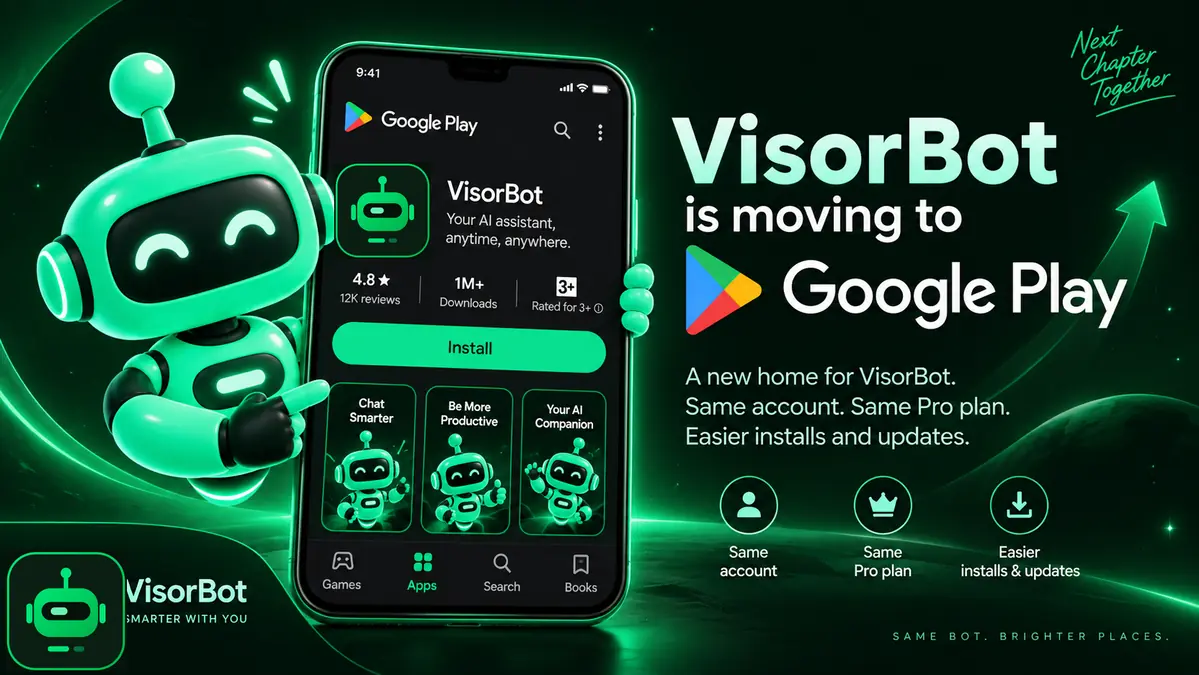
VisorBot is in its final round of testing on Google Play. When it goes public there, Google Play becomes the main home of the app, and the download on this site will be retired.
Nothing changes today. The version you have keeps working until the move is complete. This post is the first of two notices.
The timeline
- Today, September 18. First notice. Keep using VisorBot as usual.
- Early October. Second notice, as a reminder.
- The day Google Play goes public. We post the link and a moving guide. From that day you have 14 days to back up your recipes and install the Google Play version.
- October 18 at the earliest. The download on this site is retired. If Google Play goes public later than expected, this date moves later too. You always get the full 14 days.
Why we are moving
- Installing gets simple. No more “App blocked” dialogs and no more restricted setting to unlock before you can turn on Accessibility. You tap Install and it works.
- Updates arrive on their own, the same way as every other app on your phone.
- One version to build and test means fixes reach you faster.
What comes with you
- Your account. Sign in on the Google Play version with the same Google account or the same email address.
- Your Pro plan. Pro belongs to your account, not to the app file. If you bought Pro from this site, you stay Pro on the Google Play version for as long as your plan runs. You do not need to buy it again.
- Recipes you synced to the cloud. Cloud sync is part of Pro. Recipes you have synced can be pulled back after you sign in on the new version.
What does not come along by itself
The Google Play version is signed by Google, so Android treats it as a different install. It cannot update over the version from this site. You will need to remove the old one and install the new one, and removing an app deletes what it stored on the phone.
That means recipes that only live on your phone need to be backed up first. For the 14 day moving window, cloud backup will be open to every account, free ones included. The moving guide will walk you through it. Please wait for that guide before you uninstall anything.
What to do now
- Keep using VisorBot as usual.
- Make sure you know which account you are signed in with. Settings shows it at the top.
- If you are on Pro, sync the recipes you care about so a cloud copy exists.
- Watch this news page or the News card in the app. The next posts arrive there first.
Questions
Write to [email protected]. If something about the move worries you, tell us now while there is still time to fix it.